
Create your account
You sign in to PlayMuchBetter with your Google or Discord account. There is no password to remember, and we don't ask for a card to sign up.
What you need: A Google or Discord account.
The screenshots show the Spanish interface; the texts appear in the same order in your language.
- 1
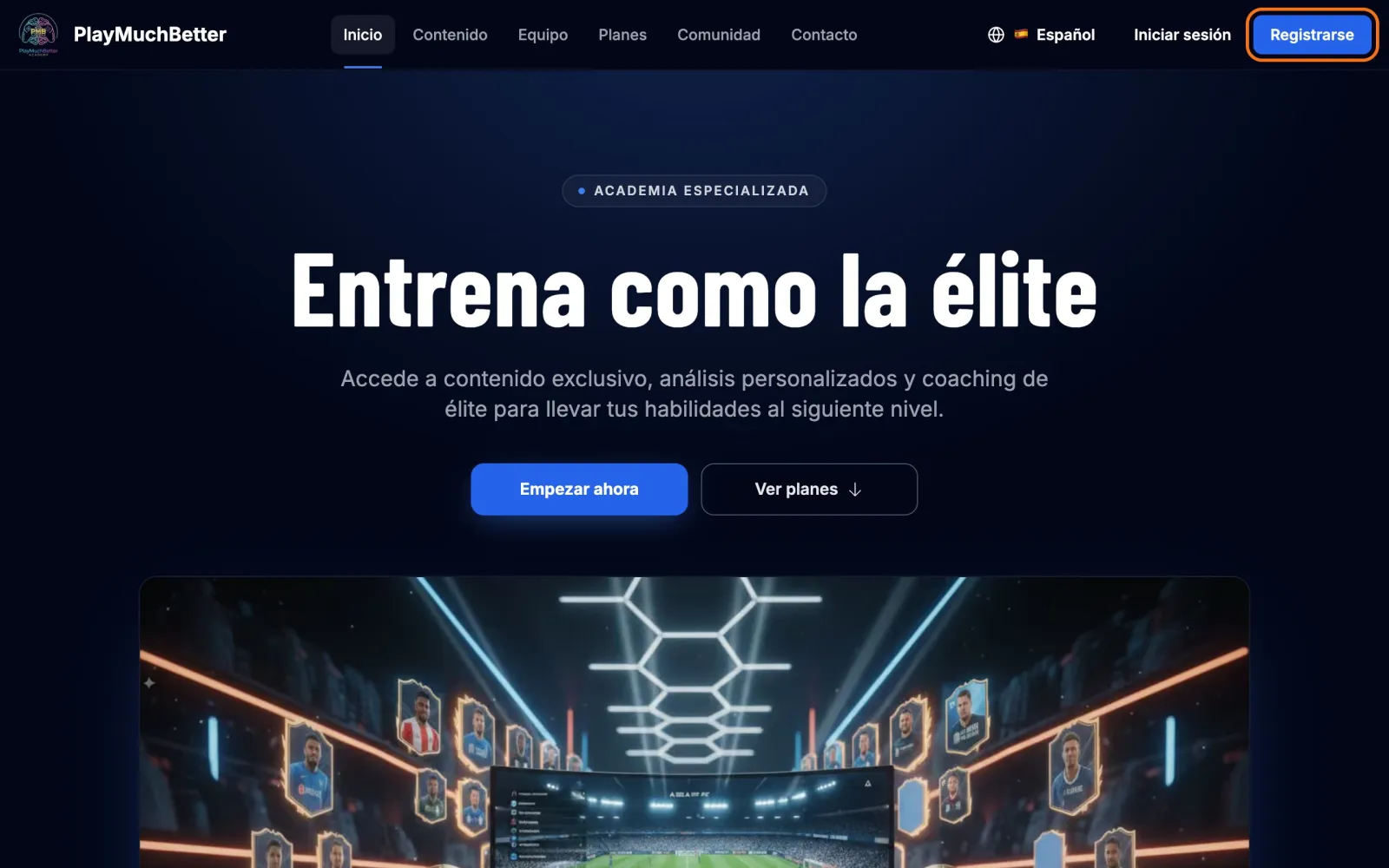
Press "Sign up"
It's at the top right of every page on the website.
- 2
Choose Google or Discord
Press Continue with Google or Continue with Discord and accept the permission in the window that opens. A few seconds later you're back on the website with your account created.
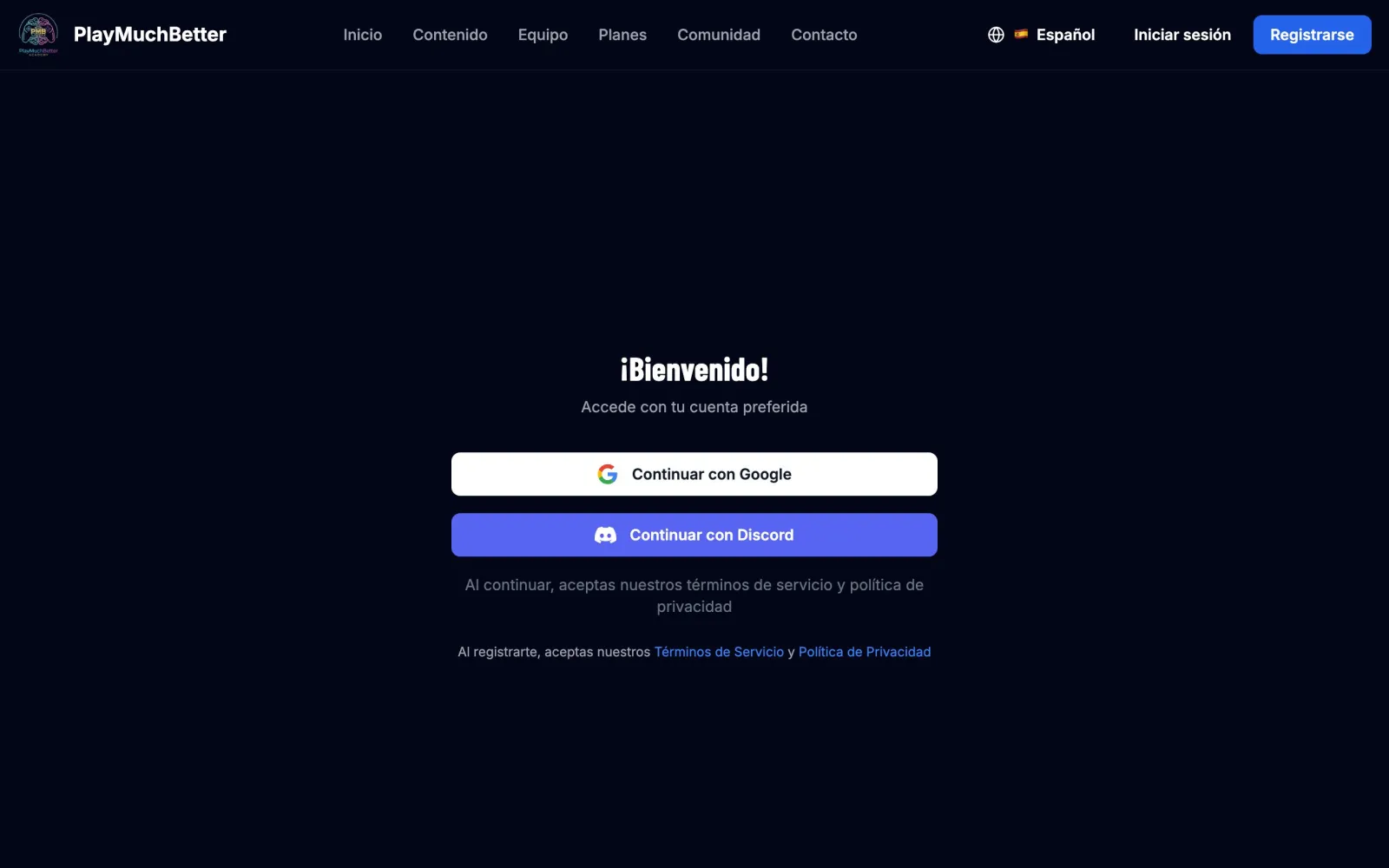 Already had an account? "Sign in" takes you to the same screen. Always sign in with the same method you used to sign up.
 - 3
Choose what to do first
When you come back with your account created, we ask you where to start. If you came to watch a video or to compare plans, the big button takes you back to it; otherwise it offers to personalise your path: four quick cards about what you want to improve in Ultimate Team and, at the end, a video and a drill picked for you. We explain it in the guide Your improvement path.
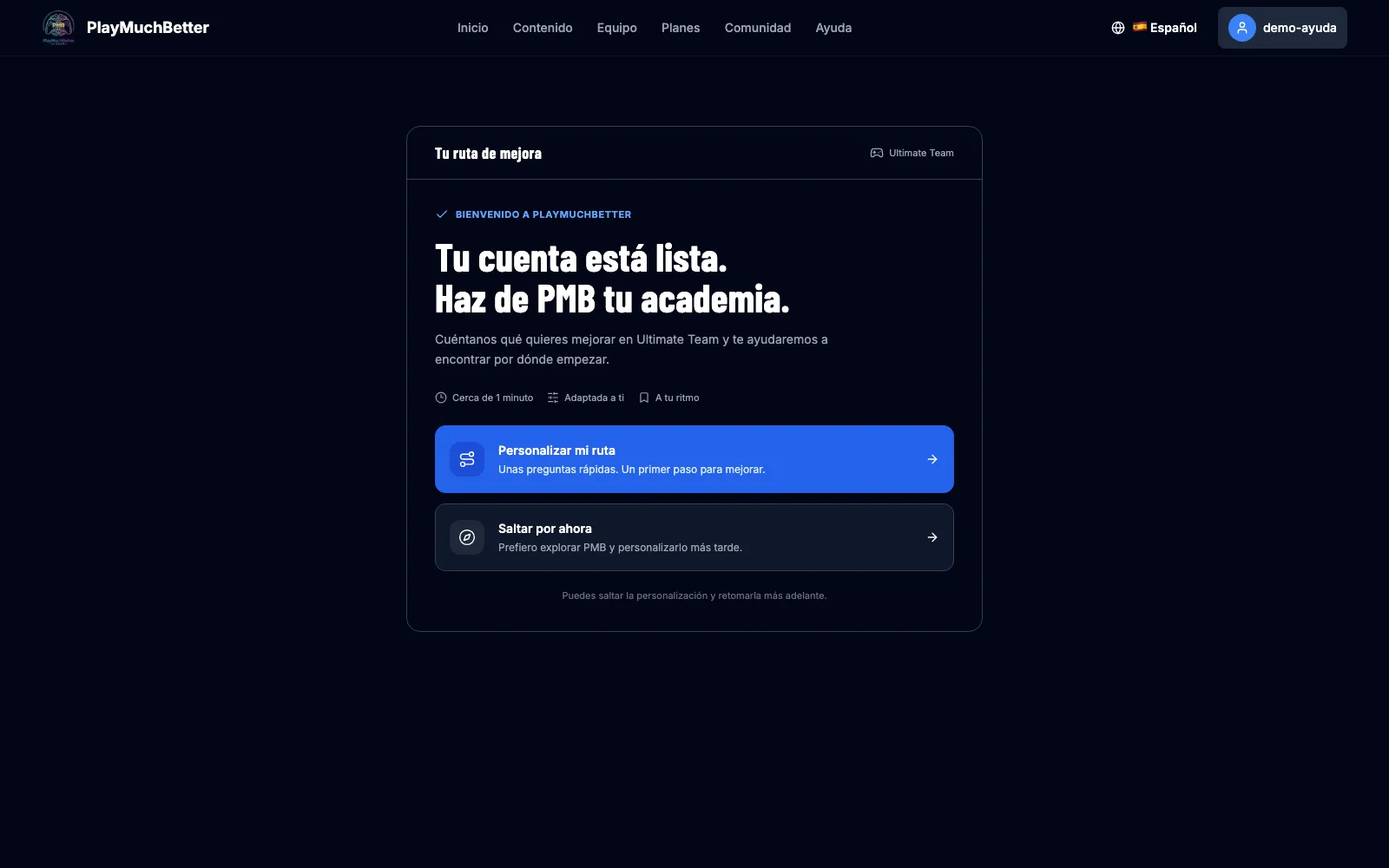 If you're in a hurry, Skip for now takes you straight to your dashboard. You can do it later from "My improvement path".
 - 4
You're on your dashboard
It's your starting point. At a glance you see:
- My improvement path: your goal for the season and the recommended video, or the invitation to do it.
- My Subscription: your current plan and the button to upgrade it.
- Discord: to join the community and link your account.
- Credits: your credit balance.
- Quick Stats, further down: the sessions, analyses and reviews you have left.
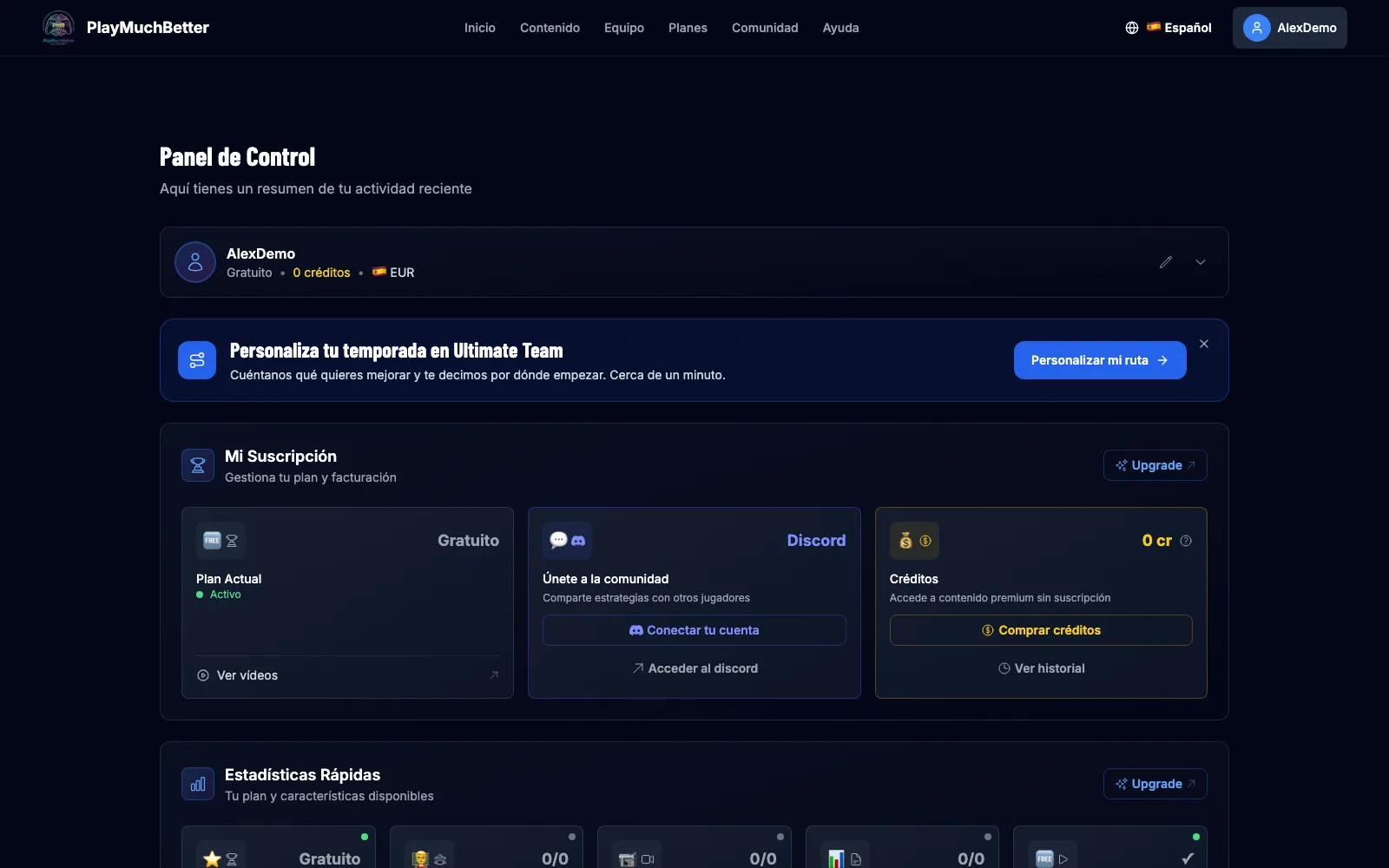
To come back here from any page, press your name at the top right and then Dashboard.
Stuck?
Check the FAQ or write to us.