
Book a 1:1 session
1:1 sessions are one-hour lessons with one of our instructors, over Discord or Google Meet. They're booked in a few clicks from your dashboard.
What you need: An available session: they come with the Pro and VIP plans, or for 50 credits.
Coaching is in English
1:1 sessions, video analyses and squad reviews are delivered in English (or Spanish, if you prefer).
The screenshots show the Spanish interface; the texts appear in the same order in your language.
- 1
Open your services
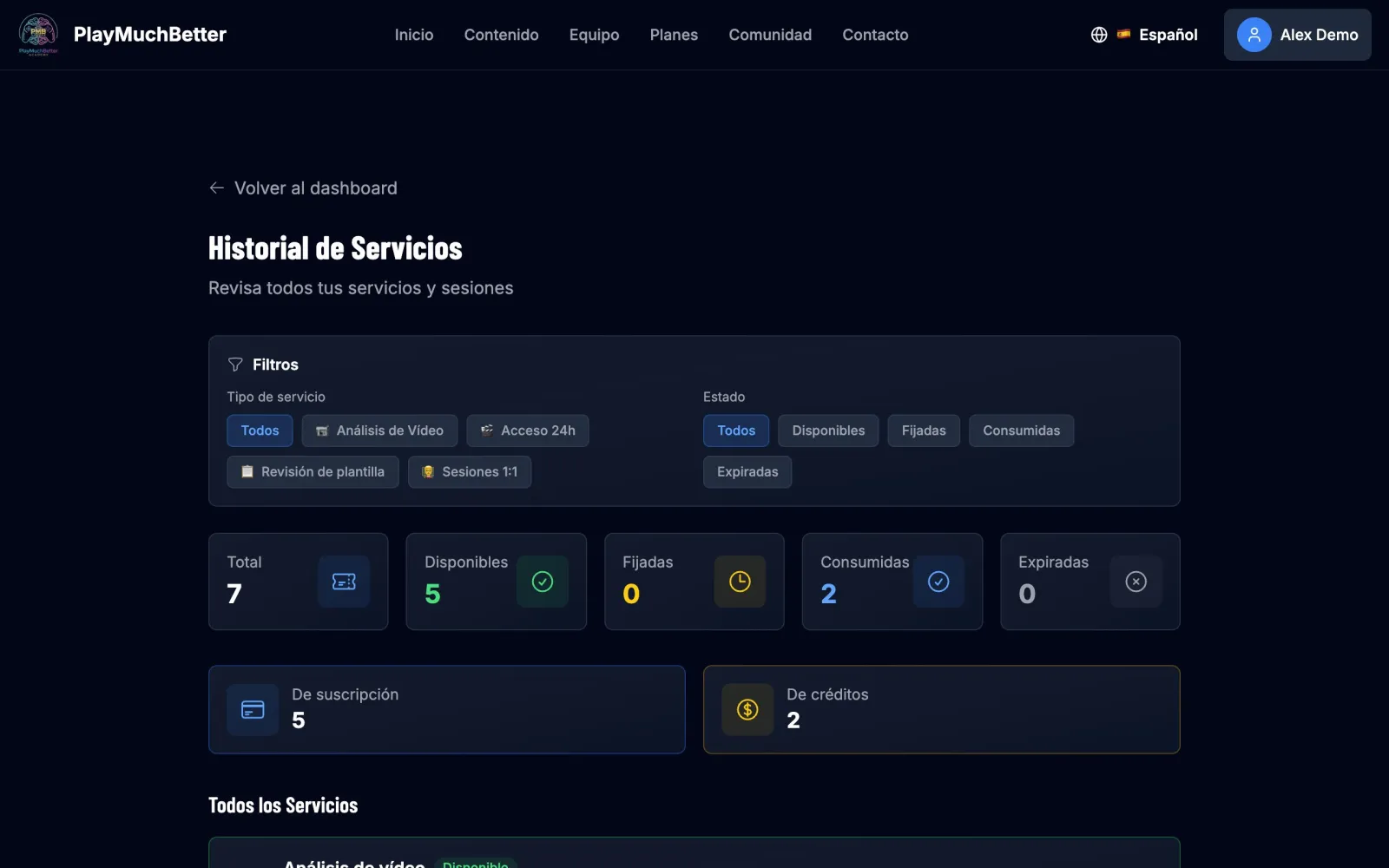
On your dashboard, under Quick Stats, press the 1:1 sessions card. You'll land on your service history, with everything you have available.
- 2
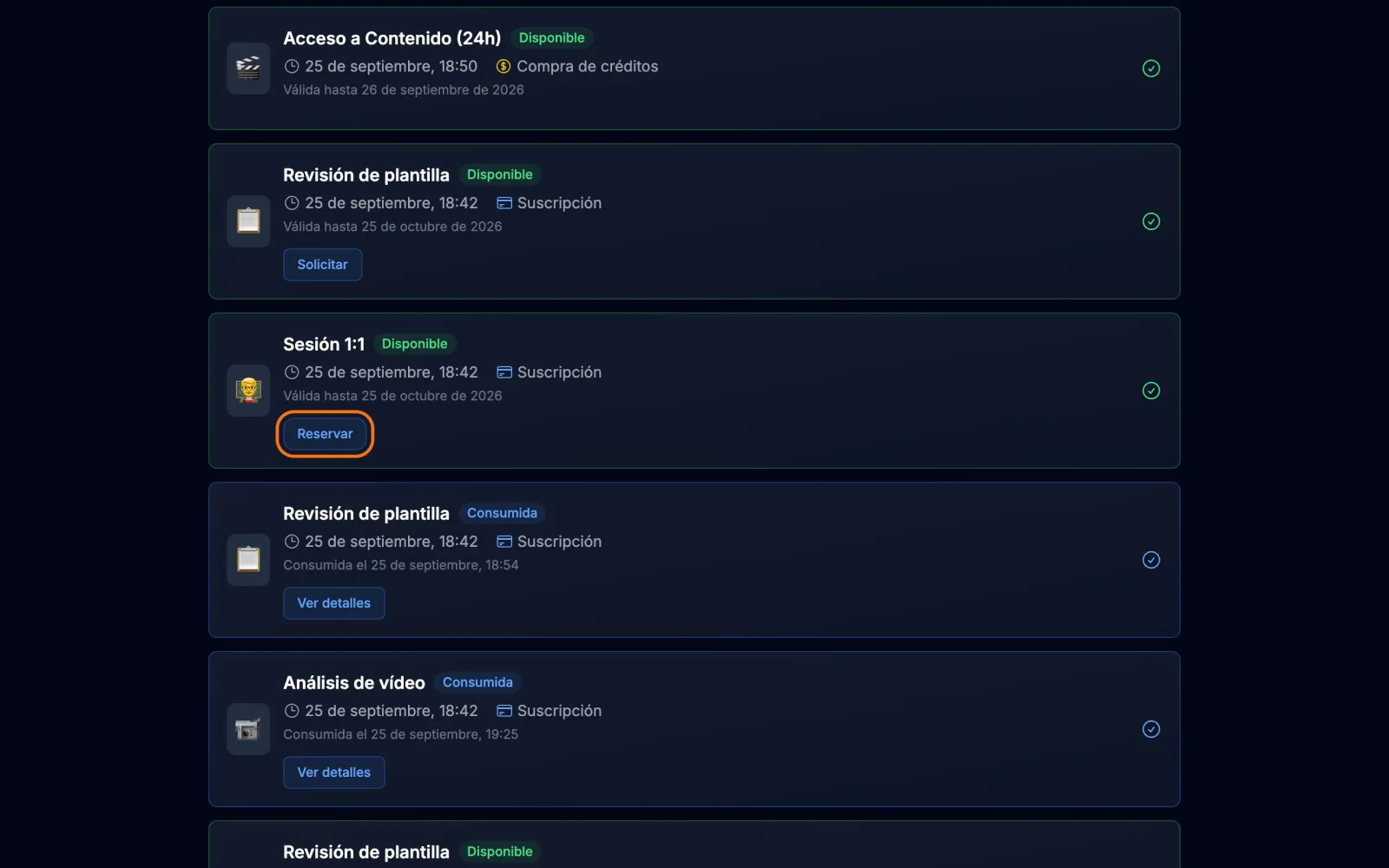
Press "Book" on your session
- 3
Choose instructor and day
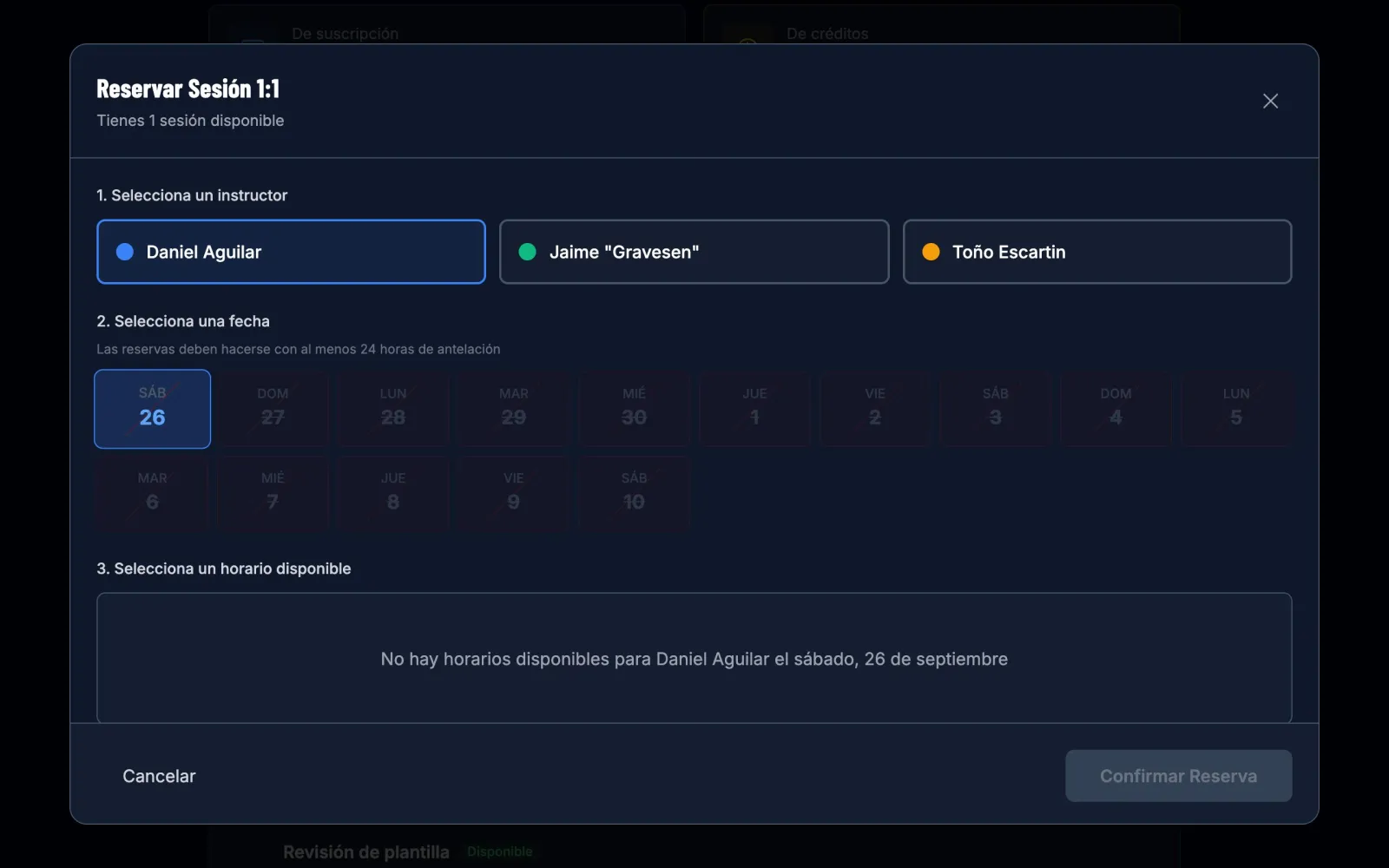
Select the instructor and then the day. The calendar starts tomorrow: bookings are made at least 24 hours in advance.
- 4
Choose the time
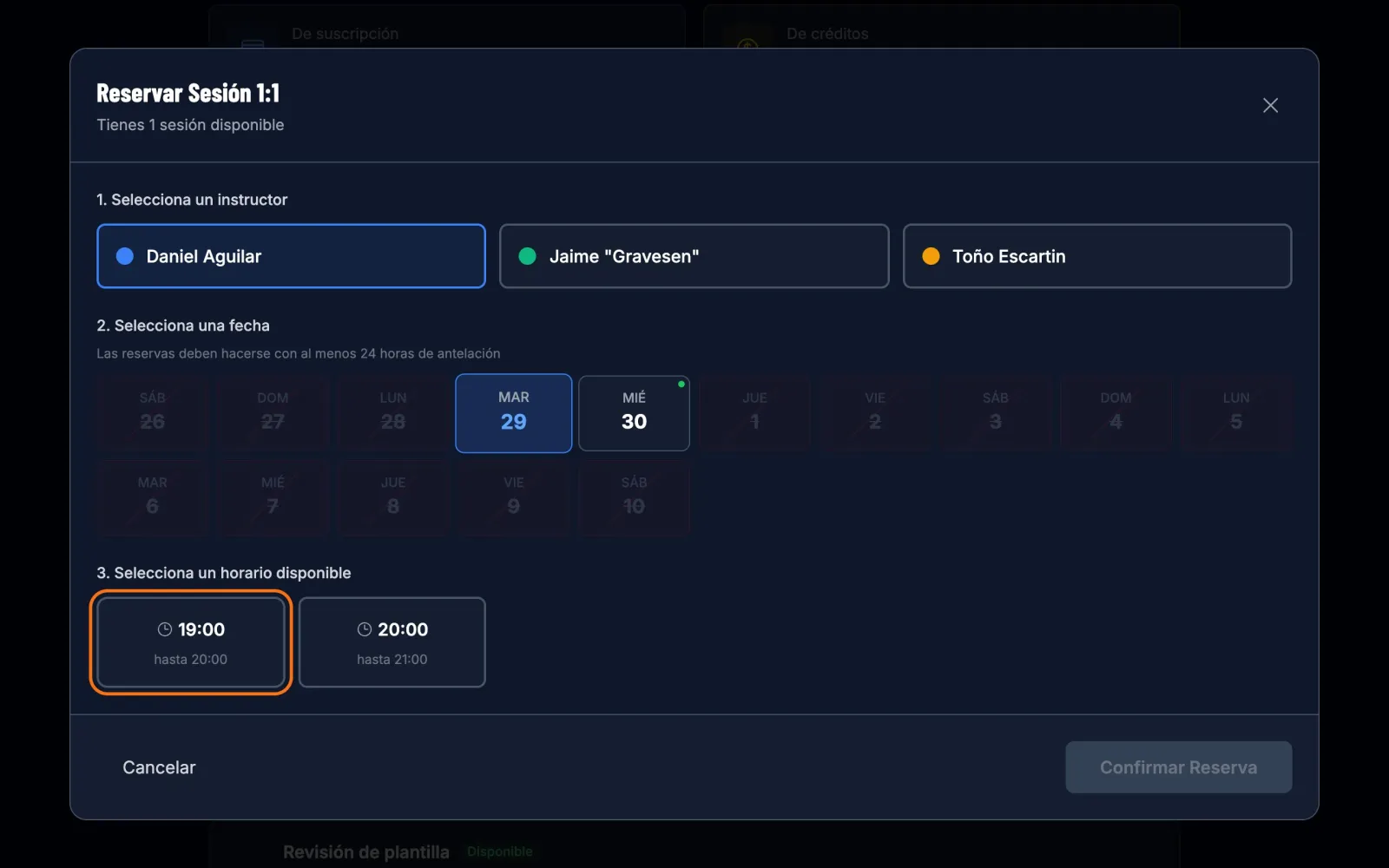
You'll see that instructor's free slots for that day. Each session lasts one hour.
- 5
Choose a platform, leave a note and confirm
Choose Discord or Google Meet and tell us what you play on; if it is PS5, enter your PSN ID: we will give you your instructor’s so you can add them before the lesson and share your screen. Under "Notes for the coach", tell them what you want to work on: that way they come prepared. Check the summary and press Confirm booking.
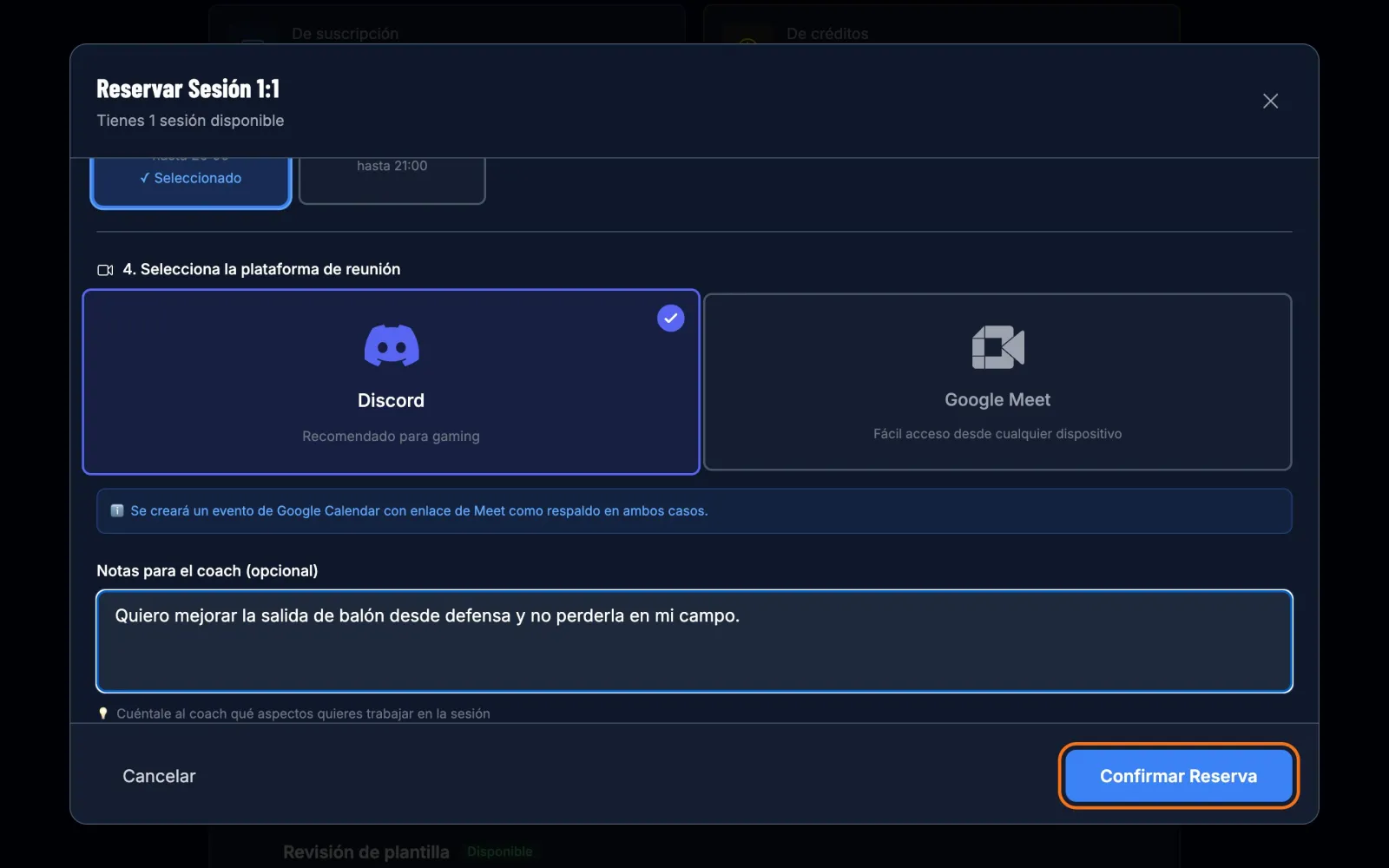
When you confirm you receive a Google Calendar invitation with the date, the time and a backup Meet link. The session shows as "Scheduled" in your history.
Stuck?
Check the FAQ or write to us.