
Watch the videos
The whole catalogue is under "Content", organised in three tracks and, within each one, in series. Many videos are free: you only need your account.
What you need: To be signed in. For Basic or Pro level videos, the matching plan or 5 credits.
The screenshots show the Spanish interface; the texts appear in the same order in your language.
- 1
Open "Content"
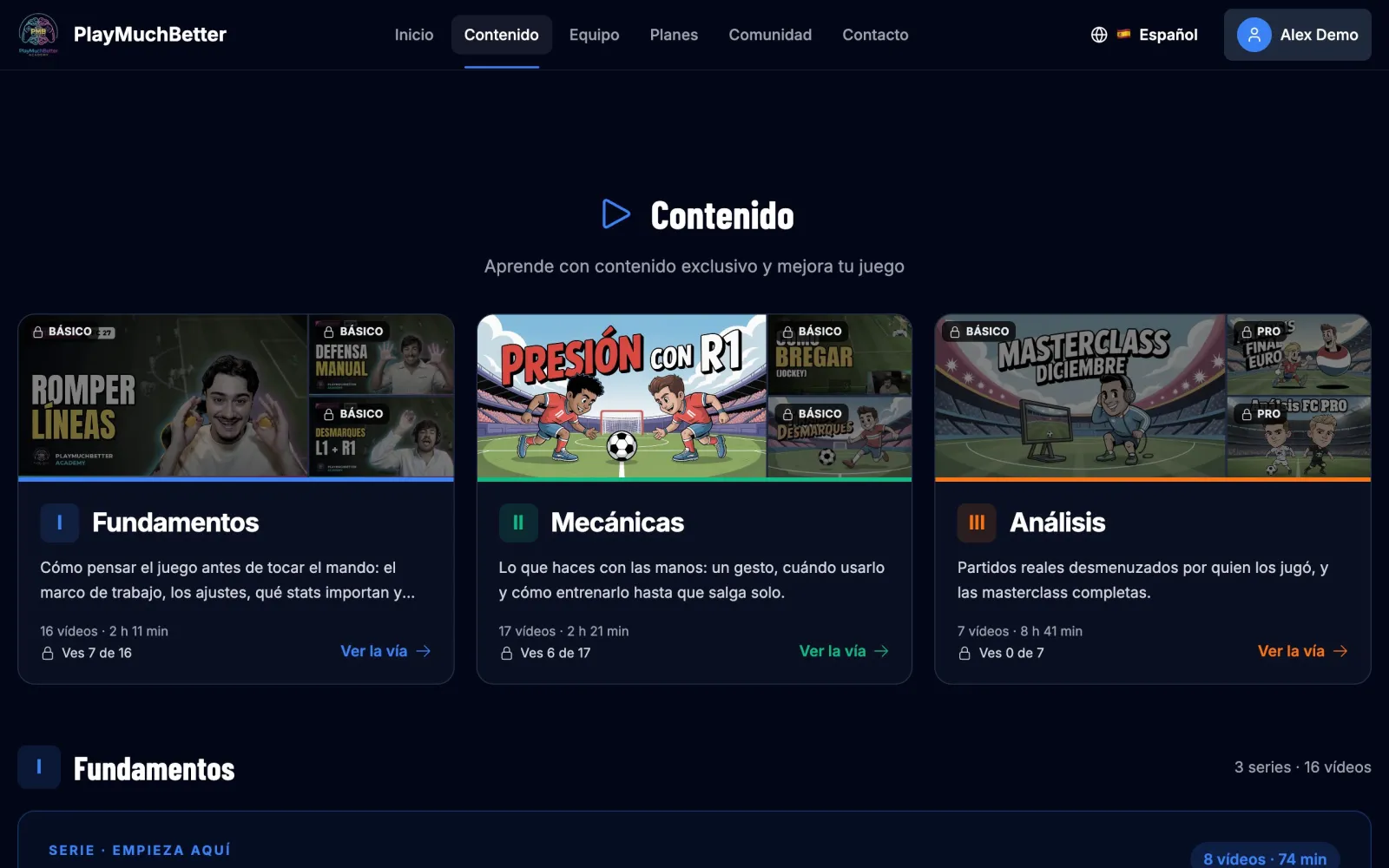
In the top menu. At the top you have the three tracks of the catalogue:
- Fundamentals: how to think about the game, the settings, which attributes matter.
- Mechanics: specific moves and how to train them.
- Analysis: real matches with commentary and the recordings of the masterclasses.
Each card tells you how many videos of that track you can watch with your plan, for example "You can watch 7 of 16".
- 2
Pick a series
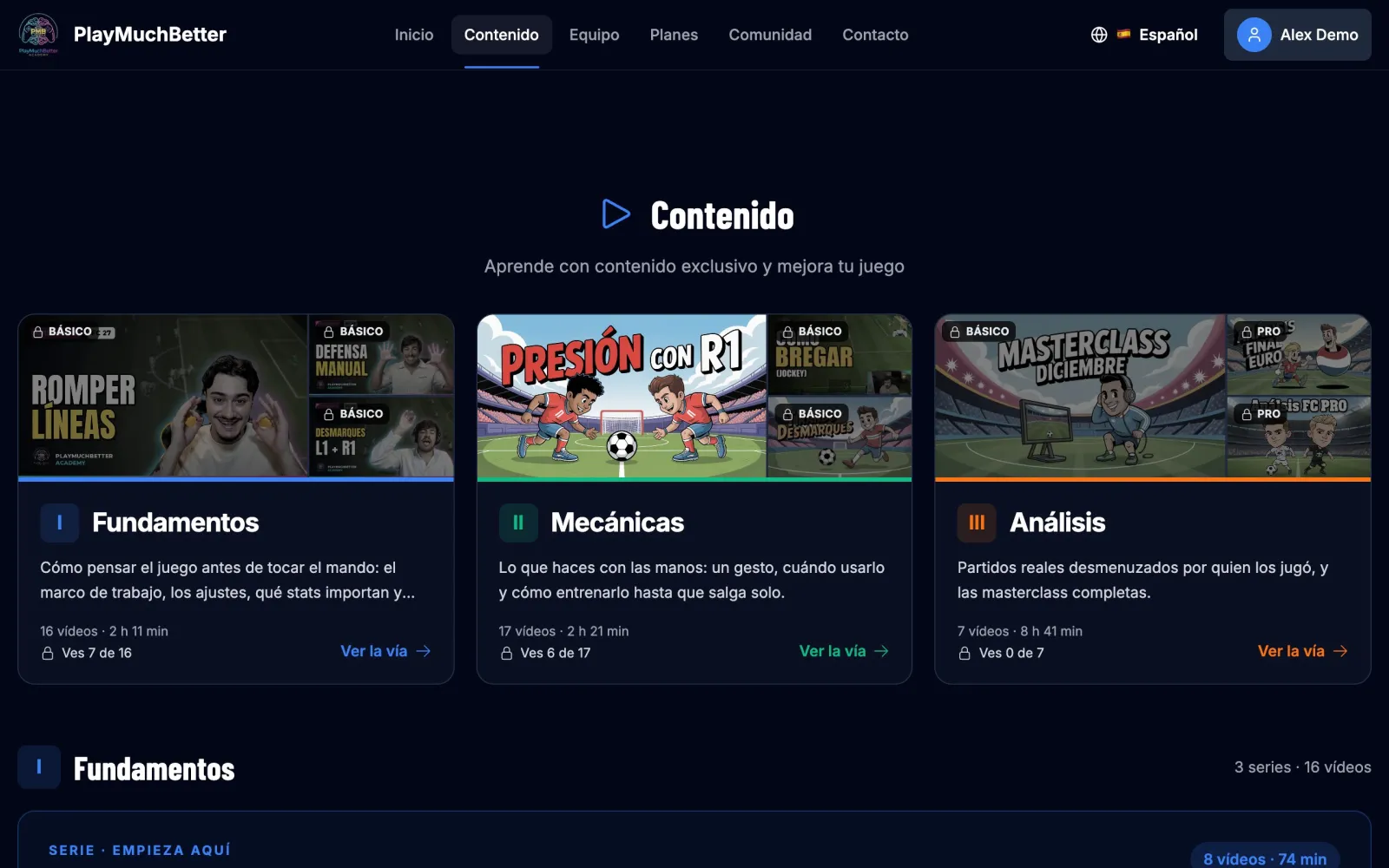
Further down, each track is split into series. If you've just arrived, start with "The PMB framework": eight videos meant to be watched in order.
On each video you'll see its level (Free, Basic or Pro), the edition of the game it was made for and its length.
- 3
Press play
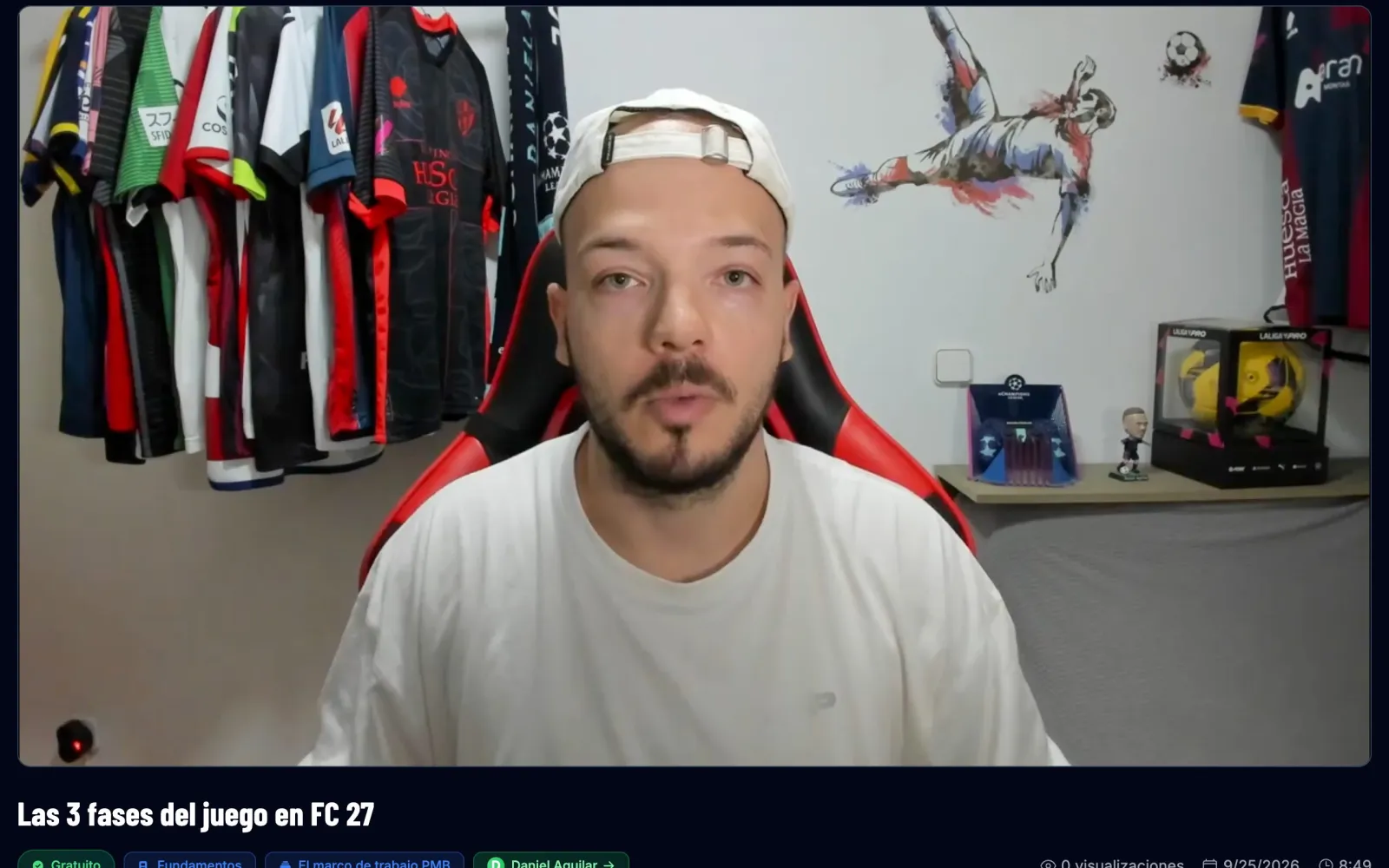
Below the video you have the title, the track, the series and the instructor. Press the instructor's name to see their profile. If the video has a follow-up, you'll see it under Continues in; and if you leave it halfway, when you come back to the page it carries on where you left it.
- 4
If a video is locked
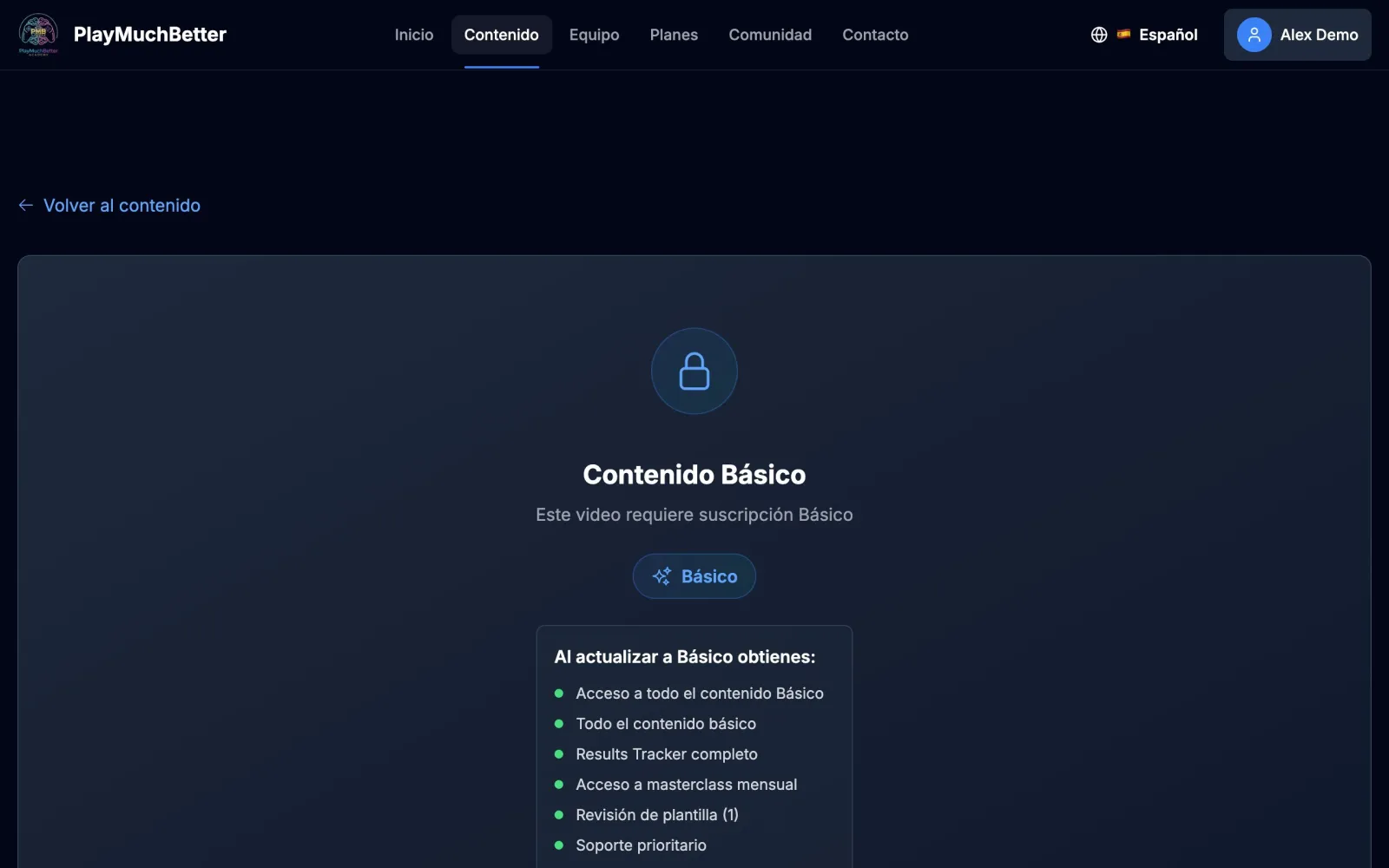
You'll see a padlock with the plan you need and what it includes. The Upgrade to… button takes you to subscribe.
Only want to watch one specific thing? In Premium Services you can redeem 5 credits for all the content for 24 hours. We explain it in the credits guide.
Stuck?
Check the FAQ or write to us.